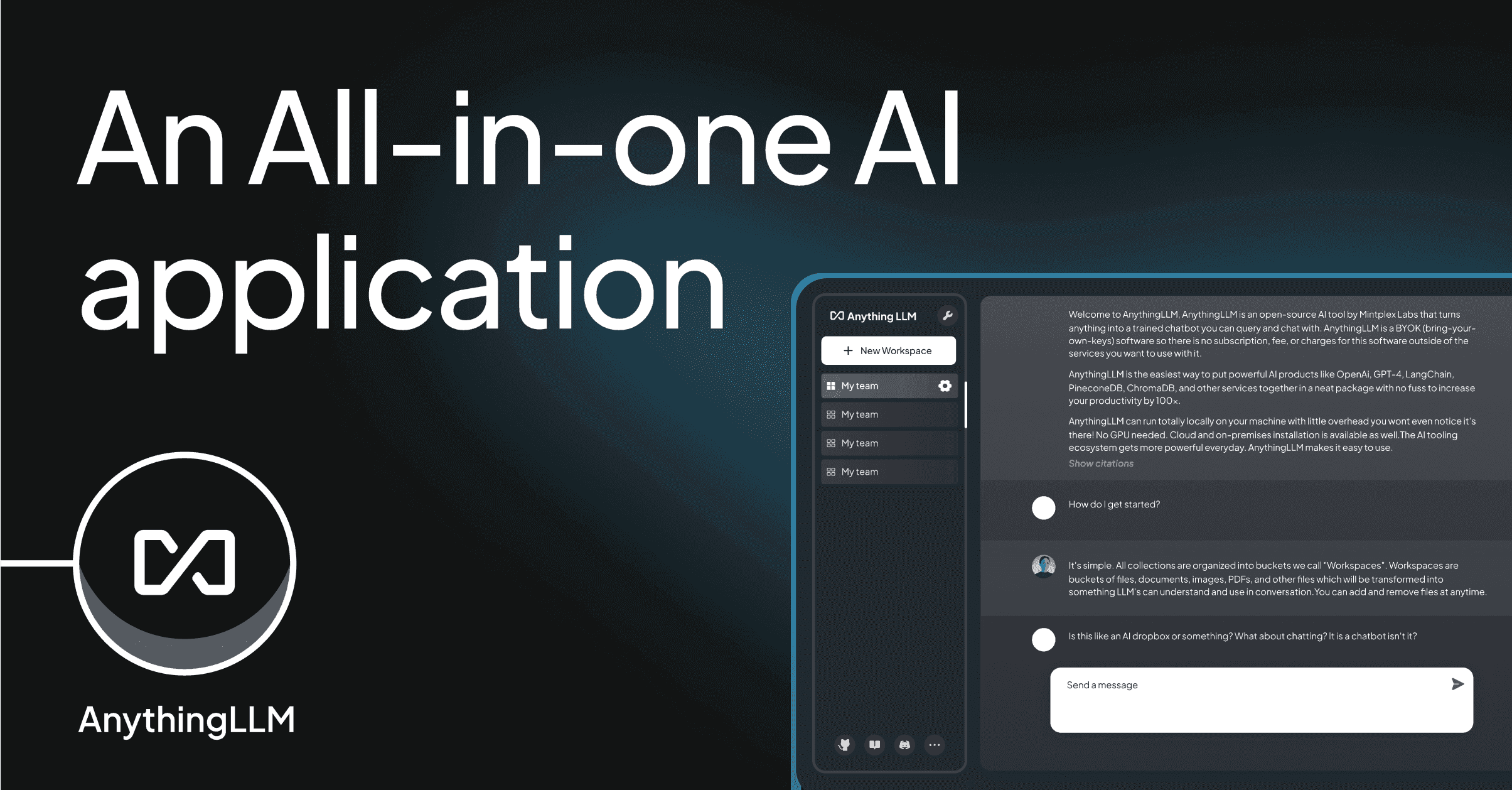
56,000 stars on GitHub (where developers share open-source code). Over 30 AI model providers supported. And it runs entirely on your laptop if you want it to.
AnythingLLM is one of those projects that quietly became essential while nobody was looking. Built by Mintplex Labs under an MIT license (meaning anyone can use it, modify it, and self-host it for free), it solves a problem that a lot of businesses are starting to feel: how do you use AI with your own documents without handing everything to a third party?
The problem it solves
AI tools have become a normal part of how businesses operate. Need to summarize a report? Ask ChatGPT. Need to draft an email? Ask Claude. Need to analyze a spreadsheet? Upload it somewhere.
But there are real costs to this workflow. ChatGPT Team runs $25 per user per month on an annual plan, $30 monthly. For a team of 10, that's $3,000 to $3,600 per year. And every document you upload gets processed on someone else's servers, subject to their data policies and their pricing decisions.
AnythingLLM offers a different approach. You run it yourself. You pick the AI model. Your documents never leave your machine.
What AnythingLLM actually is
In plain terms, AnythingLLM is a desktop or web application that acts as a hub between AI models and your files. You connect it to any AI provider you want (OpenAI, Anthropic, Google Gemini, Mistral, Groq, Together AI, AWS Bedrock, Azure OpenAI, and about 20 more), point it at your documents, and start asking questions.
The core feature is called RAG, which stands for Retrieval-Augmented Generation. Here's what that means in practice: when you ask a question, AnythingLLM searches through your documents, finds the relevant sections, and feeds them to the AI model along with your question. The AI answers using your actual data, not just its general training. Think of it as giving the AI a cheat sheet of your files before it answers.
Everything is organized into workspaces. A workspace is like a folder with its own AI memory. You might have one workspace for legal contracts, another for product documentation, and a third for financial reports. Each workspace keeps its documents and conversations separate.
What you can do with it
The feature list is long, but here are the things that actually matter.
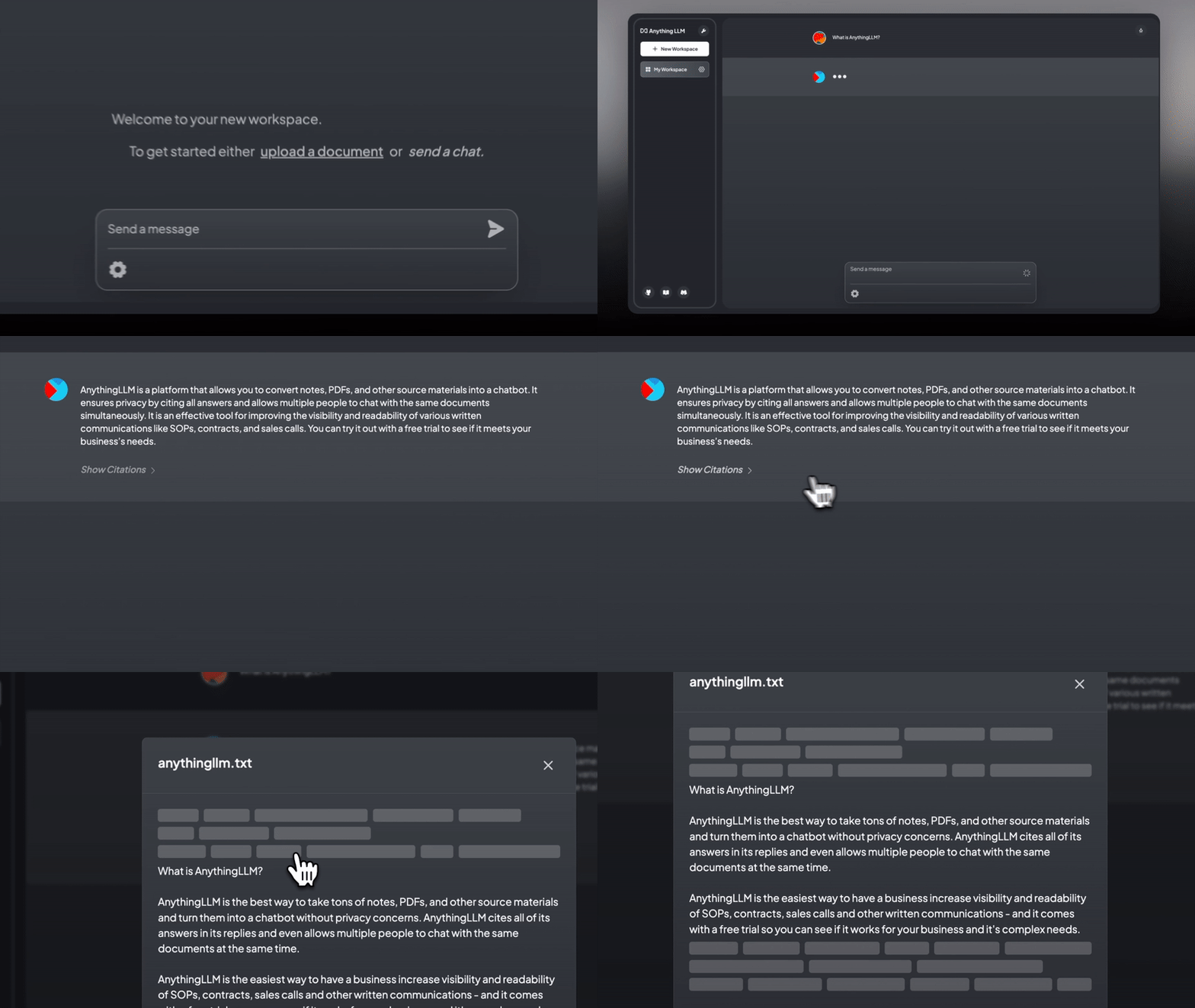
Chat with your documents. Upload PDFs, Word documents, spreadsheets, PowerPoint presentations, plain text files, Markdown, HTML, CSV files, and over 50 types of code files. AnythingLLM reads them, indexes them, and lets you ask questions about their contents. You can even point it at a website URL, a YouTube video (it grabs the transcript), or a code repository.
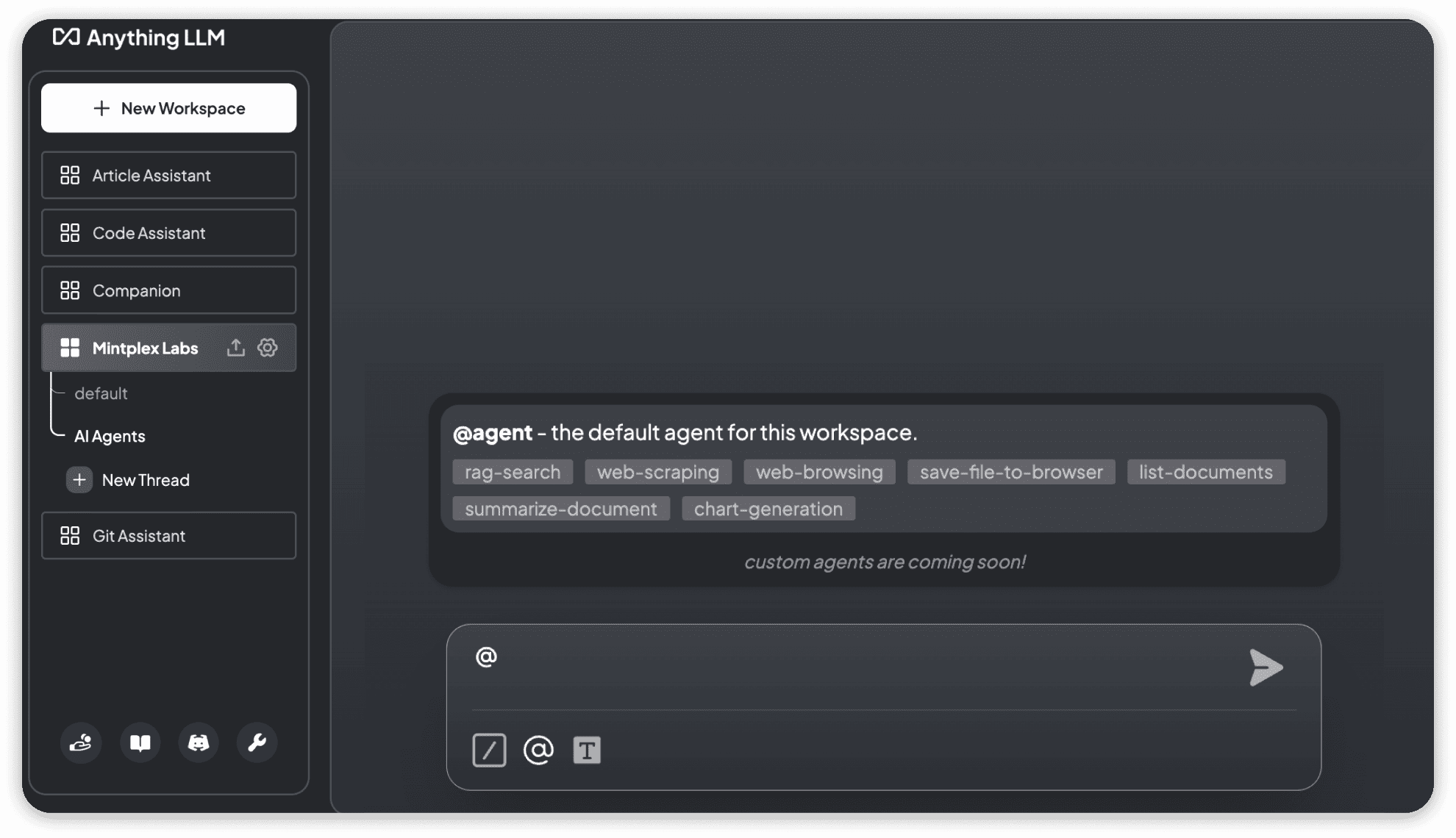
Build AI agents. AnythingLLM includes a no-code agent builder that lets you create AI agents without writing code. Agents can browse the web, generate charts, query databases, save files, and connect to external tools through MCP (Model Context Protocol, a standard that lets AI tools talk to each other). This isn't just chat anymore. It's automation.
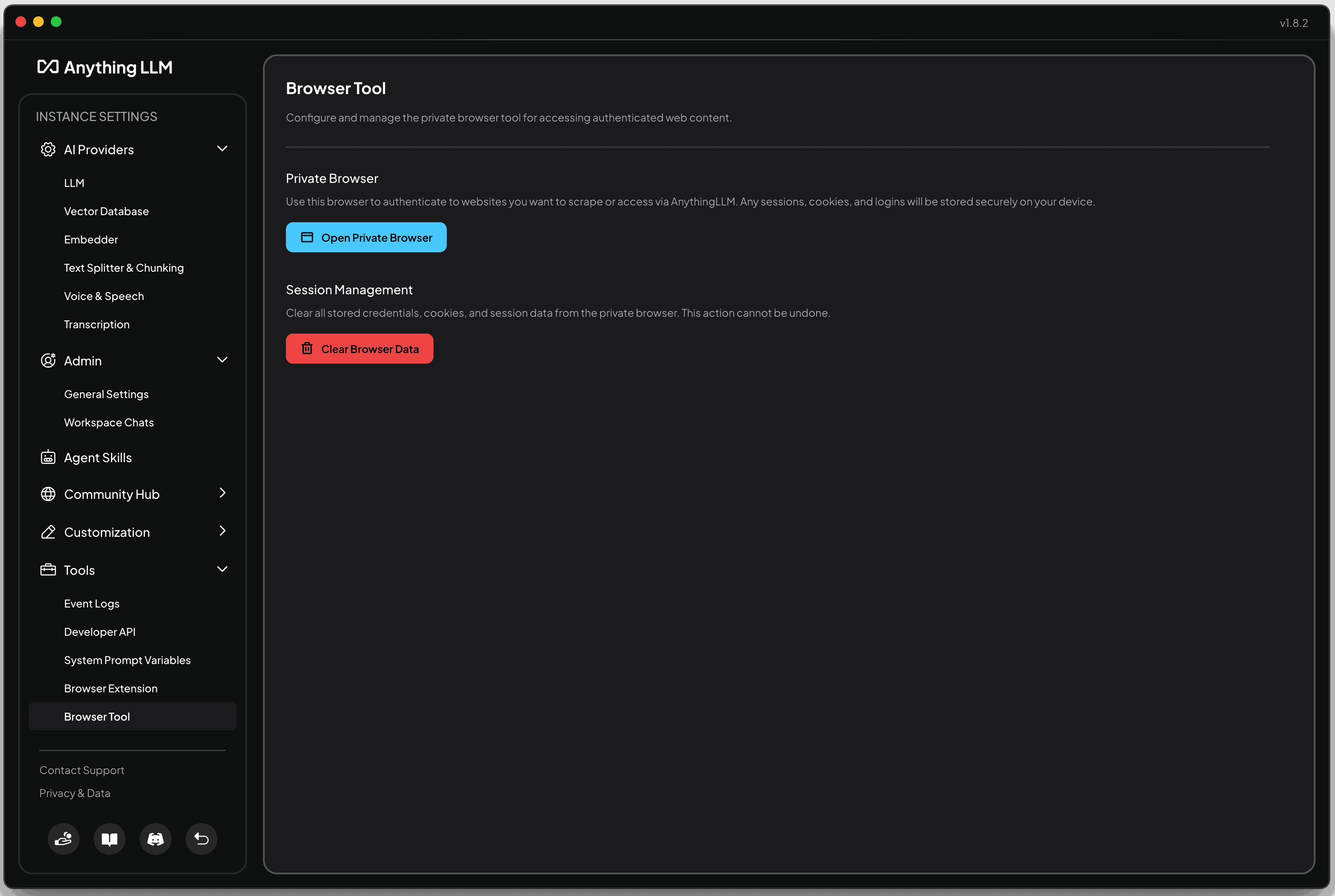
Run it fully offline. The desktop version includes a built-in AI engine that runs entirely on your machine. No API keys (the passwords that connect you to paid AI services), no internet connection, no data leaving your laptop. If you work with sensitive information and want zero exposure, this is how you get it.
Give your whole team access. The Docker version (Docker is a tool that packages software so it runs the same way on any machine) supports multiple users with roles and permissions. Admins, managers, and regular users each see only what they should see.
Embed a chat widget on your website. You can take AnythingLLM's chat interface and embed it on any website. Point it at your product documentation, and your customers get an AI-powered support assistant trained on your actual docs.
Switch AI providers without losing anything. Connected to OpenAI today but want to try Anthropic tomorrow? Switch the provider in settings. Your documents, workspaces, and conversation history stay exactly where they are. No migration, no data loss, no vendor lock-in.
Who it's actually for
AnythingLLM isn't trying to be everything to everyone. Here's who benefits most.
Teams paying for ChatGPT seats who want more control. If you're spending $25/user/month on ChatGPT Team and wish you could use other AI models, keep documents private, or avoid per-seat pricing entirely, AnythingLLM gives you all of that for free (self-hosted) or $25-99/month total (cloud, not per user).
Businesses with sensitive documents. Law firms, accounting practices, healthcare organizations, anyone handling confidential files. With AnythingLLM, your documents get indexed and stored on your own infrastructure. Nothing gets sent to external servers unless you explicitly choose a cloud AI provider.
People who want to use AI with their own files, not just general chat. ChatGPT is great at answering general questions. But if you want to ask "What were our Q3 revenue numbers?" or "Summarize the key terms in this contract," you need an AI that has access to your specific data. That's what RAG does, and that's what AnythingLLM is built around.
Developers who want flexibility. Support for 30+ LLM providers and 9+ vector databases (the systems that store and search through your document data) means you can mix and match. Use a cheap model for simple tasks, a powerful one for complex analysis. Start with the built-in storage for free, or connect to specialized database services as you scale.
How it compares to just using ChatGPT
This is the question most people ask first, so here's a straight comparison.
| ChatGPT Team | AnythingLLM (self-hosted) | |
|---|---|---|
| Cost | $25/user/month (annual) | Free |
| AI models | OpenAI only | 30+ providers |
| Document privacy | Processed on OpenAI servers | Stays on your machine |
| Multi-user | Yes | Yes (Docker version) |
| Offline mode | No | Yes (desktop version) |
| Custom agents | Limited (GPTs) | Full agent builder with MCP |
| Setup effort | Sign up and go | Requires installation and configuration |
The trade-off is real. ChatGPT is easier to get started with. You sign up, you pay, you start chatting. AnythingLLM requires you to download software, pick an AI provider (or set up a local model), and configure your workspaces. For some people, that setup time isn't worth it. For others, the control and privacy make it a clear win.
The honest trade-offs
AnythingLLM is impressive, but it's not perfect. Here's what to know before you commit.
Docker setup requires technical comfort. The multi-user version runs through Docker, and while the documentation is solid, it's not a "click one button and you're done" experience. You need to be comfortable with a terminal (the text-based command line on your computer), or have someone on your team who is.
The desktop version is single-user only. If you want to share workspaces and documents across a team, you need the Docker deployment. The desktop app is great for individual use, but it doesn't support collaboration.
Running local models needs decent hardware. The built-in AI engine on desktop is convenient, but local models need processing power. Expect to need at least 8GB of memory (RAM) for basic models, and more for anything sophisticated. If your laptop is older, you'll want to stick with cloud AI providers instead.
The cloud version costs money. AnythingLLM Cloud runs $25 to $99 per month. It's simpler to set up than self-hosting, but it somewhat reduces the privacy advantage since your data sits on Mintplex Labs' infrastructure instead of yours. If privacy is your main motivation, self-hosting is the way to go.
Should you try it?
AnythingLLM makes sense if you want to chat with your own documents privately, you're tired of paying per-seat for AI tools, you want the freedom to switch between AI providers, or you need to keep sensitive data off third-party servers. The desktop version is a low-risk way to try it. Download it, point it at some files, and see if the workflow fits.
Stick with ChatGPT if you want zero setup, you're a single user who doesn't need document privacy, or your team isn't comfortable with any technical configuration. ChatGPT works well for general AI chat, and the simplicity has real value.
The bigger picture
AnythingLLM is part of a shift we keep seeing across the software landscape. The same pattern that played out with analytics (Google Analytics to self-hosted Umami), project management (Monday.com to open-source alternatives), and email marketing (Mailchimp to self-hosted solutions) is now happening with AI tools.
Businesses are realizing they don't have to rent their AI from a platform. They can run it themselves, keep their data private, and avoid the per-seat pricing that scales against them as they grow.
The tools are ready. The only barrier is the setup complexity.
That's the kind of problem we think about at Easydep. If you're exploring open-source AI tools or self-hosted alternatives to the software you're paying for today, browse our solutions catalog to see what's available.